

Introduction
Training Needs Assessment and Program Planning
Every customer has different training requirements. Some operators may be using CNC equipment for the first time. At the same time, experienced teams may need instruction for a new controller, automatic tool changer, rotary device, software workflow, or specialized application. Before training begins, AccTek CNC evaluates the machine configuration, production goals, operator skill levels, and intended machining processes. This information allows us to organize a training program that focuses on the functions most relevant to the customer. Training needs assessment may include:
- Reviewing the CNC router model and machine configuration
- Identifying controller, spindle, drive system, and installed accessories
- Evaluating operator and programmer experience
- Reviewing the customer’s materials and typical workpieces
- Identifying required cutting, engraving, drilling, or profiling processes
- Reviewing CAD/CAM and production software
- Assessing automatic tool-changing and work-holding requirements
- Identifying routine maintenance responsibilities
- Determining safety and troubleshooting training needs
- Establishing practical training objectives
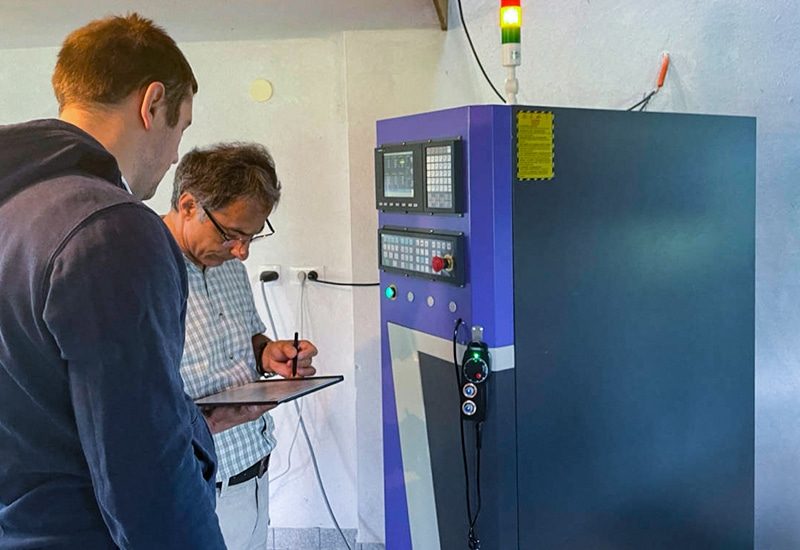
CNC Router Operation Training
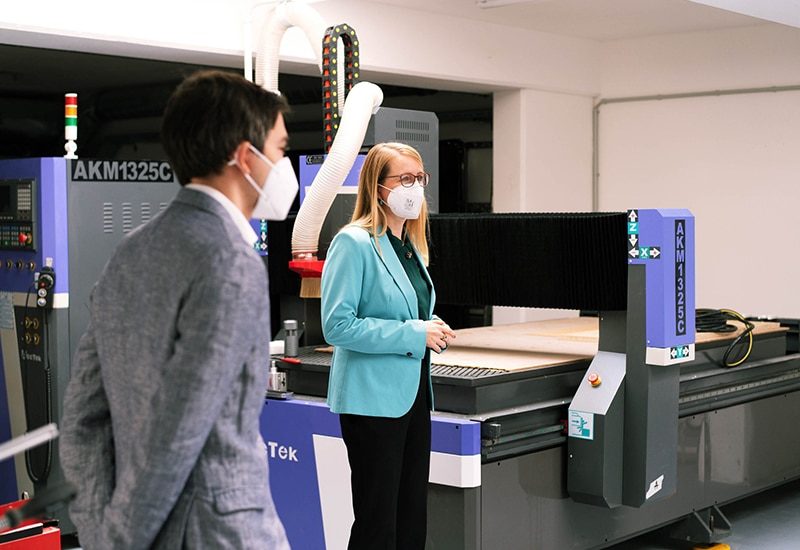
Operator training introduces the machine’s main components, control functions, startup procedures, coordinate systems, job setup, and shutdown requirements. The objective is to help operators understand how the CNC router works and how to complete standard tasks safely and consistently. CNC router operation training may include:
- Introduction to the machine structure and major components
- Explanation of the controller and operator interface
- Machine startup and shutdown procedures
- Homing and machine-reference operations
- Understanding machine and work coordinate systems
- Setting the workpiece origin
- Loading, selecting, and managing machining programs
- Manual axis movement and controlled positioning
- Spindle startup, speed setting, and rotation control
- Tool loading and removal procedures
- Starting, pausing, resuming, and stopping a machining job
- Monitoring machine behavior during operation
- Responding to alarms and abnormal conditions
- Completing end-of-shift cleaning and inspection
CAD/CAM Software and Programming Training
The CNC router workflow begins with digital design and machining preparation. Operators and programmers must understand how to import files, define tools, create toolpaths, simulate operations, and generate controller-compatible programs. AccTek CNC provides guidance for supported CAD/CAM software and CNC router programming workflows. Training is adapted to the software environment and applications used by the customer. Software and programming training may include:
- Importing supported 2D drawings, vector graphics, and 3D models
- Checking dimensions, units, scale, and drawing orientation
- Cleaning duplicate lines and open contours
- Defining workpiece dimensions and coordinate origins
- Creating profiling, pocketing, engraving, and drilling toolpaths
- Setting roughing and finishing operations
- Selecting tools from the software library
- Configuring spindle speed, feed rate, cutting depth, and stepover
- Setting lead-ins, lead-outs, offsets, and cutting directions
- Reviewing toolpath order and machining sequence
- Simulating programs and checking for potential errors
- Selecting the correct post-processor
- Exporting controller-compatible CNC programs
- Transferring and organizing program files
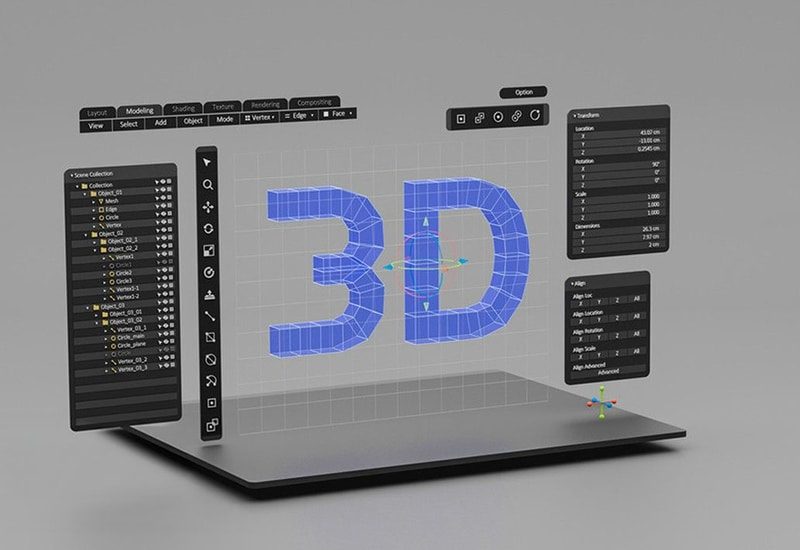
Tooling and Machining Parameter Training
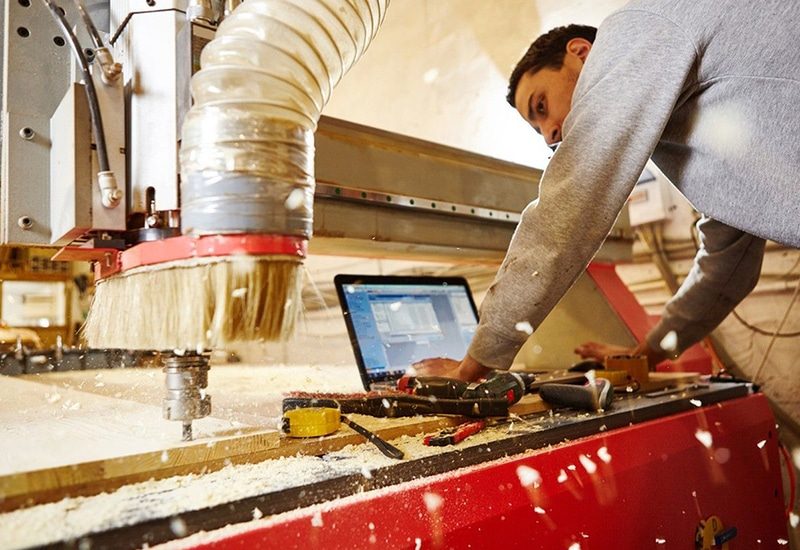
Tool selection and machining parameters have a direct effect on edge quality, surface finish, production speed, tool life, and process stability. Operators must understand that different materials and machining operations may require different router bits, cutting directions, speeds, feeds, and pass strategies. AccTek CNC provides practical guidance for selecting and using CNC router tooling. Tooling and process training may include:
- Identifying common router bit types and applications
- Understanding tool diameter, flute count, and cutting geometry
- Selecting tools for cutting, engraving, drilling, and finishing
- Inspecting router bits for wear, contamination, or damage
- Installing tools correctly in collets and tool holders
- Checking tool projection and clamping condition
- Understanding spindle speed and feed-rate relationships
- Setting cutting depth and the number of passes
- Configuring stepover for roughing and finishing
- Selecting climb or conventional cutting where appropriate
- Recognizing signs of unsuitable cutting parameters
- Evaluating edge quality, surface finish, vibration, and tool temperature
- Performing controlled test cuts
- Recording successful parameters for future use
Automatic Tool Change and Tool Management Training
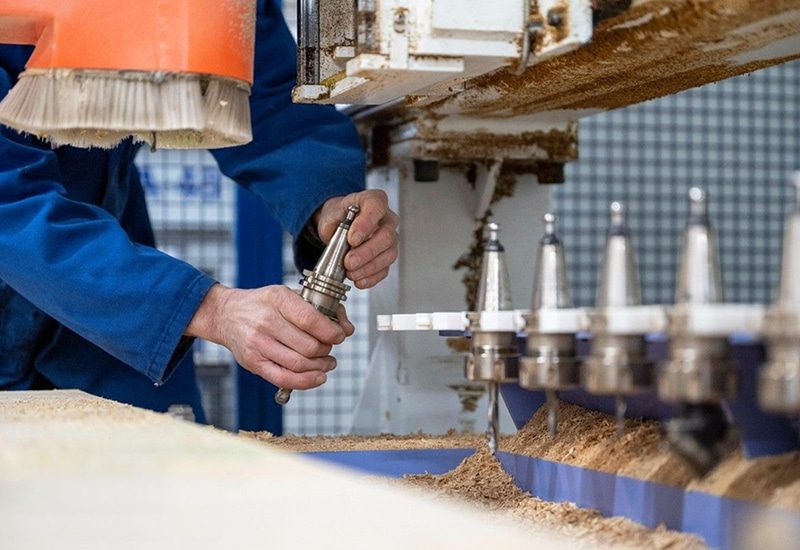
Automatic tool change CNC routers require operators to manage tool positions, tool holders, tool-length information, pneumatic pressure, and tool-changing sequences correctly. Incorrect setup can cause tool-selection errors, collisions, damaged tool holders, or interrupted production. Automatic tool change training may include:
- Understanding the tool-changing sequence
- Loading and unloading tool holders
- Assigning tools to magazine positions
- Checking tool forks and tool-holder supports
- Setting and verifying tool numbers
- Using tool-length measurement functions
- Managing tool offsets and compensation
- Checking spindle clamping and release functions
- Verifying pneumatic pressure and air quality
- Testing tool-change sensors and positions
- Performing a controlled tool-change test
- Responding to interrupted or incomplete tool changes
- Maintaining tool holders, collets, and taper surfaces
Work-Holding and Auxiliary Equipment Training
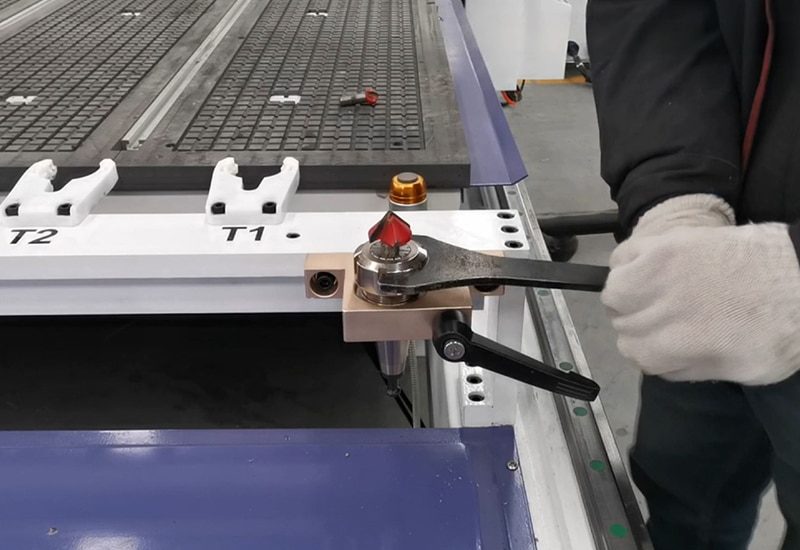
Stable workpiece holding and properly maintained auxiliary systems are essential for accurate CNC router processing. Operators should understand how vacuum tables, clamps, dust collectors, compressed-air systems, lubrication units, and spindle-cooling equipment support machine operation. Work-holding and auxiliary system training may include:
- Selecting suitable work-holding methods
- Operating vacuum table zones
- Checking vacuum seals and spoilboard condition
- Positioning mechanical or pneumatic clamps safely
- Avoiding clamps and fixtures during toolpath planning
- Checking vacuum pump operation and suction performance
- Operating dust-collection equipment
- Inspecting extraction hoses, dust shoes, and brushes
- Checking compressed-air pressure
- Monitoring automatic lubrication systems
- Inspecting water-cooling circulation for water-cooled spindles
- Checking ventilation for air-cooled spindles
- Identifying leaks, blockages, or reduced auxiliary performance
Safe CNC Router Operation Training
CNC routers combine fast-moving components, high-speed cutting tools, electrical systems, airborne dust, noise, and automatically controlled motion. Operators must understand the hazards associated with machine operation and follow workplace safety procedures. AccTek CNC safety training focuses on machine-specific precautions and responsible operating practices. It does not replace the customer’s local risk assessment, workplace policies, or applicable safety regulations. Safety training may include:
- Identifying major CNC router operating hazards
- Reviewing emergency-stop locations and functions
- Inspecting guards, covers, and safety devices
- Selecting suitable personal protective equipment
- Maintaining a clean and organized working area
- Controlling dust and processing debris
- Checking workpiece security before machining
- Inspecting tools and tool holders before use
- Keeping personnel outside the machine’s movement area
- Avoiding contact with moving or rotating components
- Applying safe shutdown and energy-isolation procedures
- Responding to tool breakage, workpiece movement, or abnormal noise
- Reporting damaged cables, components, or safety devices
- Restricting electrical and mechanical service to qualified personnel
Routine Maintenance Training
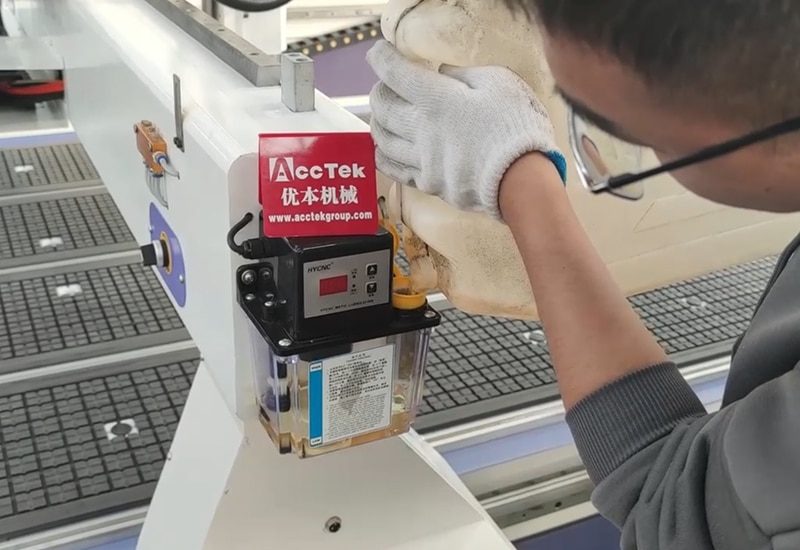
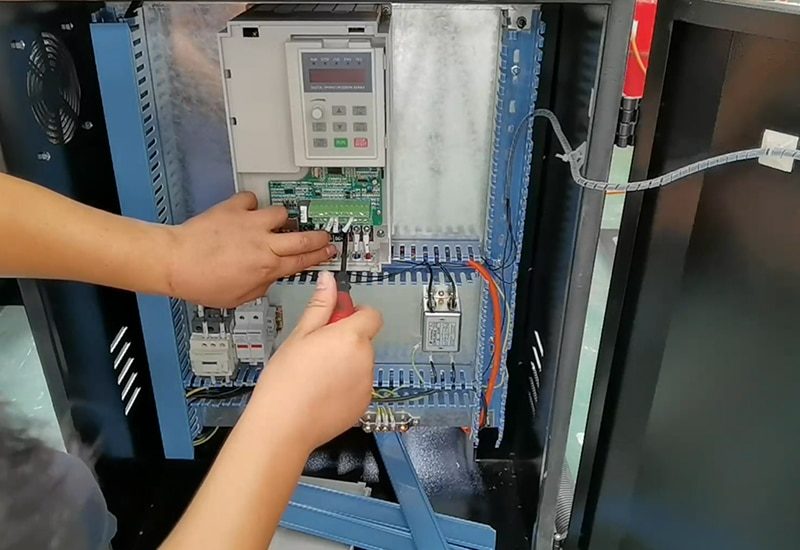
Daily and periodic maintenance helps preserve CNC router accuracy, reliability, and service life. Operators should be able to complete routine inspection and cleaning tasks while recognizing maintenance activities that require qualified technical personnel. AccTek CNC provides practical maintenance training based on the machine configuration and operating environment. Routine maintenance training may include:
- Cleaning the machine and processing area
- Removing dust and debris from guide systems
- Inspecting linear rails, racks, pinions, and ball screws
- Checking lubrication points and lubrication-system operation
- Inspecting belts, couplings, cables, and cable carriers
- Cleaning collets, tool holders, and spindle surfaces
- Checking vacuum table seals and spoilboard condition
- Cleaning dust-collection components and filters
- Inspecting pneumatic hoses, fittings, and regulators
- Monitoring spindle cooling systems
- Checking electrical cabinet ventilation
- Inspecting sensors, limit switches, and emergency stops
- Recording maintenance activities and abnormal conditions
- Following daily, weekly, monthly, and periodic maintenance schedules
Basic Troubleshooting Training
Operators are often the first people to notice changes in machine sound, movement, cutting quality, or controller behavior. Basic troubleshooting training helps them collect useful information, perform safe checks, and communicate effectively with technical personnel. Troubleshooting training may include:
- Reading and recording controller alarm messages
- Identifying when and how a fault occurs
- Checking power, air pressure, vacuum, and cooling conditions
- Verifying coordinate and tool settings
- Inspecting workpiece holding and tool condition
- Checking sensors and limit-switch status
- Recognizing abnormal spindle noise, heat, or vibration
- Identifying axis movement or positioning problems
- Distinguishing programming problems from machine faults
- Taking useful photographs and diagnostic videos
- Preserving controller settings and alarm information
- Knowing when to stop the machine and request technical support
Practical Machining and Production Validation
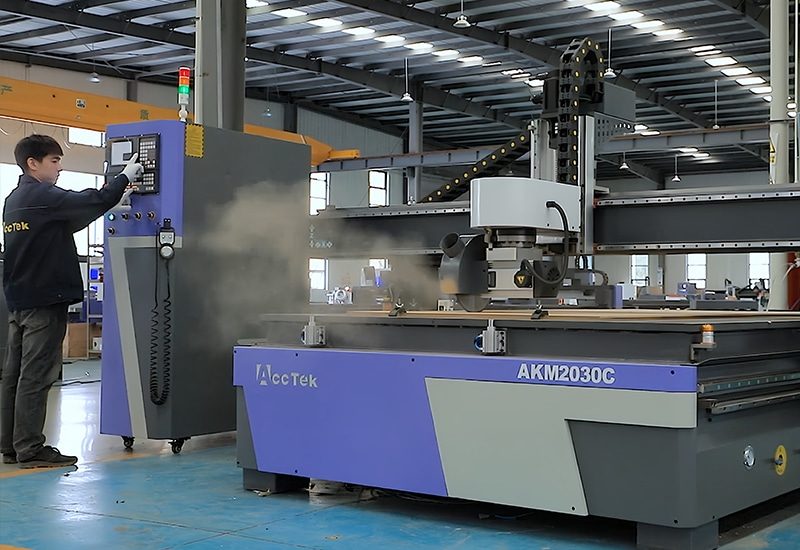
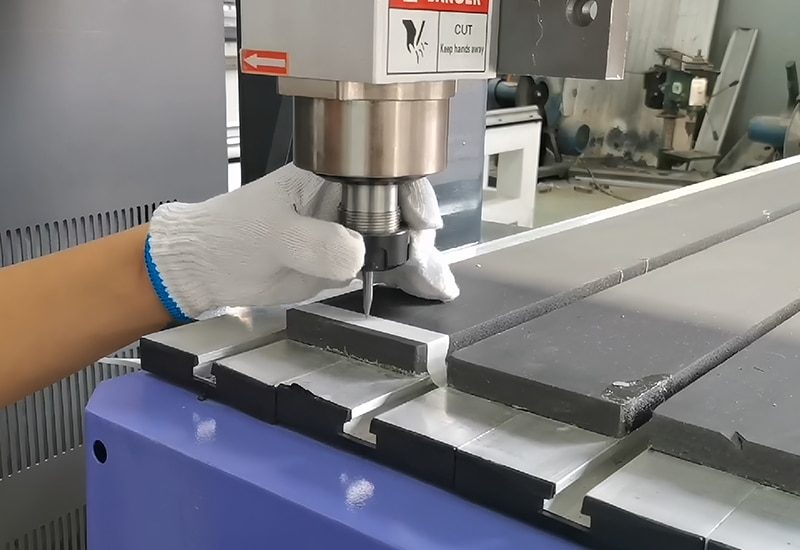
Training is most effective when operators apply what they have learned to realistic production tasks. AccTek CNC can guide trainees through the preparation and execution of representative machining jobs using appropriate materials, tools, and programs. Practical training may include:
- Preparing a workpiece and selecting a holding method
- Setting the work coordinate origin
- Loading and checking the correct tool
- Creating or reviewing the machining program
- Simulating or dry-running the toolpath
- Checking clearance and movement sequences
- Performing a controlled trial cut
- Measuring the finished workpiece
- Evaluating dimensional accuracy and surface quality
- Adjusting machining parameters where necessary
- Recording the final settings
- Repeating the process with reduced instructor assistance
Flexible Training Delivery
Training requirements may vary according to the customer’s location, machine configuration, production schedule, and operator experience. AccTek CNC can organize training through suitable delivery methods based on the project and available service arrangements. Training delivery may include:
- Instruction during machine installation and commissioning
- On-site training at the customer’s facility
- Training at an AccTek CNC facility
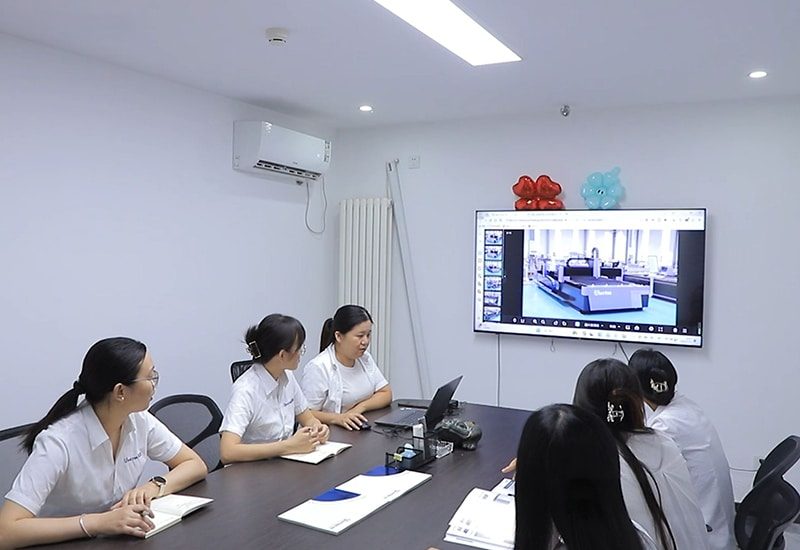
- Live remote guidance
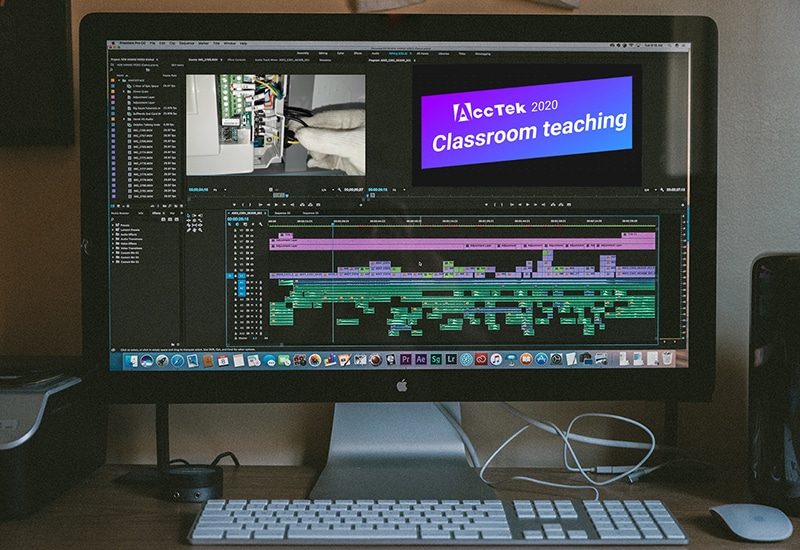
- Video demonstrations and operating tutorials
- Digital manuals and reference materials
- Application-specific training sessions
- Refresher training for existing operators
- Training for newly assigned employees
- Follow-up sessions after production begins
Ongoing Technical Support
Operator training is the beginning of long-term machine use. Questions may arise when customers introduce new materials, change tools, modify programs, add employees, or encounter unfamiliar alarms. AccTek CNC provides ongoing support to help customers apply their training and maintain reliable CNC router production. Ongoing support may include:
- Assistance with machine operation questions
- Guidance for software and program preparation
- Review of alarm messages and operating conditions
- Recommendations for tooling and machining parameters
- Support for routine maintenance procedures
- Assistance with replacement-part identification
- Guidance following software or controller changes
- Review of photographs, videos, and machining results
- Refresher instruction for specific machine functions
- Coordination of further technical service when required