

Introduction
Software Compatibility Assessment and Workflow Planning
Successful software integration begins with a clear understanding of how design files are created, processed, transferred, and executed. Every production environment may use different CAD, CAM, nesting, design, or production management software. The selected workflow must therefore match the CNC router controller, machine configuration, tooling system, and intended applications. AccTek CNC evaluates the customer’s current software environment and identifies the steps required to establish an efficient digital workflow. Software assessment and planning services include:
- Reviewing the customer’s existing design and programming software
- Identifying required CAD, CAM, nesting, or engraving functions
- Evaluating compatibility with the CNC router control system
- Reviewing supported drawing, vector, model, and machining file formats
- Analyzing the current design-to-production workflow
- Identifying unnecessary file conversions or repetitive programming tasks
- Evaluating operator experience and software training requirements
- Planning data transfer between office computers and CNC router controllers
- Recommending suitable software configurations for specific applications
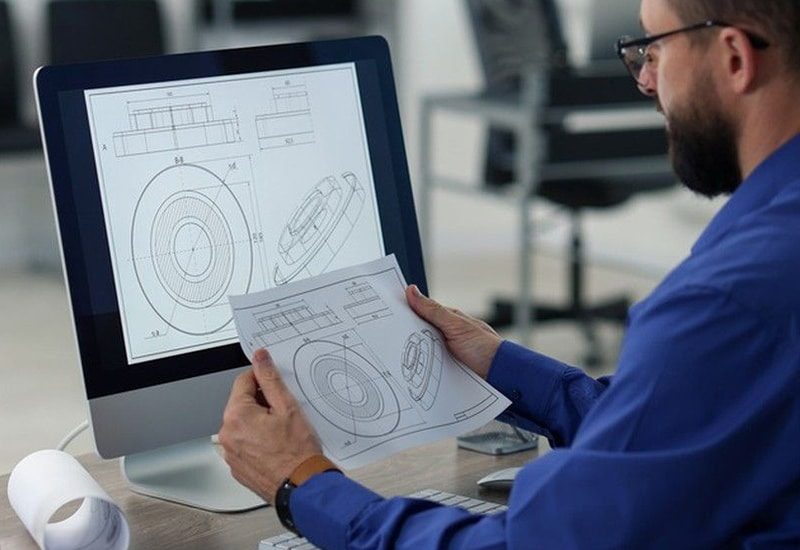
CAD/CAM Software Integration
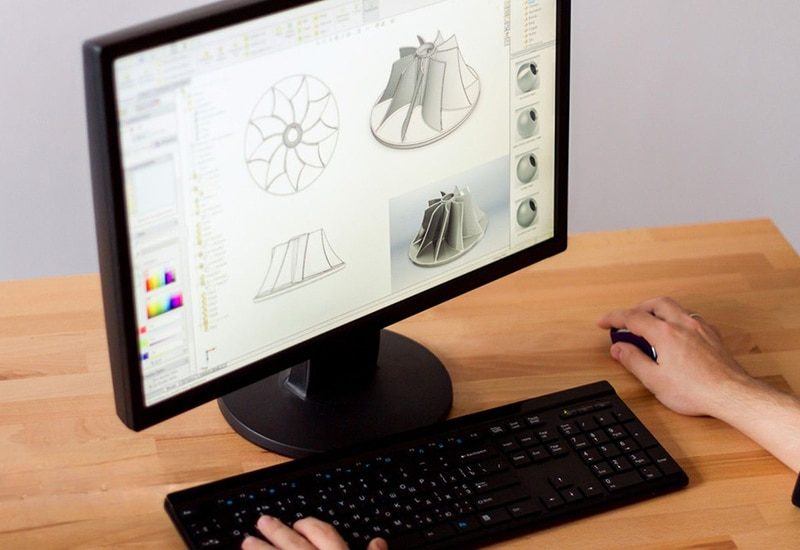
CAD and CAM software connect product design with CNC router operation. CAD software is used to create or modify two-dimensional drawings and three-dimensional models, while CAM software converts this geometry into toolpaths and machine instructions. Proper integration between these stages is essential for accurate and efficient machining. AccTek CNC helps customers establish a practical workflow for importing designs, preparing machining operations, assigning tools, generating toolpaths, and exporting machine-ready files. CAD/CAM integration services may include:
- Importing supported 2D drawings, vector graphics, and 3D models
- Configuring material dimensions and workpiece coordinate settings
- Defining cutting, engraving, drilling, pocketing, and profiling operations
- Setting machining depths, offsets, lead-ins, and cutting directions
- Configuring roughing and finishing strategies
- Establishing tool libraries and standard tool parameters
- Setting appropriate feeds, spindle speeds, and cutting sequences
- Configuring nesting functions for improved material utilization
- Reviewing toolpath simulation and collision risks
- Exporting programs in a format supported by the machine controller
Post-Processor Configuration
The post-processor converts CAM-generated toolpaths into machine instructions that the CNC router controller can interpret. A post-processor that does not match the controller or machine configuration may generate incorrect commands, unsupported functions, unexpected axis movements, or faulty machining sequences. AccTek CNC provides post-processor configuration and verification to ensure that the output from the customer’s CAM software matches the CNC router’s controller, axis configuration, and available functions. Post-processor services may include:
- Selecting an appropriate post-processor for the controller
- Configuring machine-specific command formats
- Setting units, coordinates, and axis-output conventions
- Defining spindle start, stop, speed, and rotation commands
- Configuring tool-change commands for automatic tool change models
- Setting tool-number and tool-offset output
- Adjusting program headers, footers, and safety movements
- Configuring rotary-axis output where supported
- Verifying drilling, engraving, and routing cycles
- Testing generated programs before production use
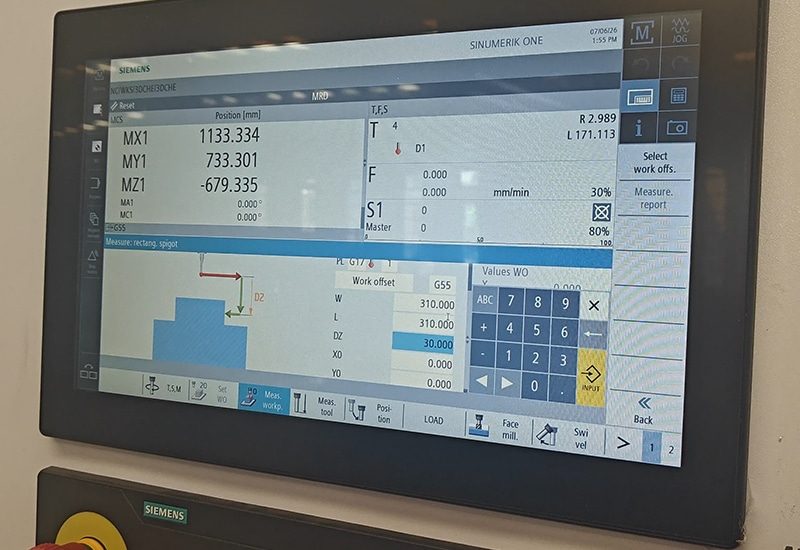
CNC Router Controller Configuration
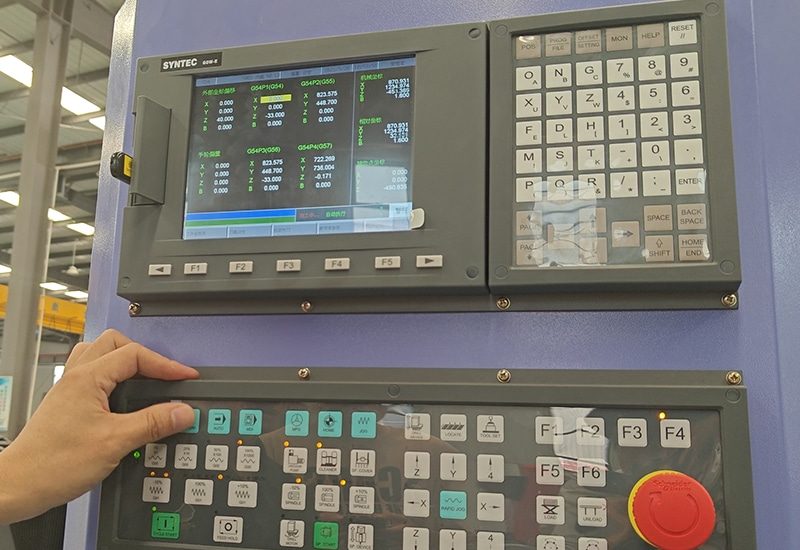
The machine controller manages motion commands, coordinate systems, spindle operation, tool changes, input and output signals, and other CNC router functions. Correct controller configuration is therefore essential for safe, stable, and accurate machine operation. AccTek CNC helps configure the controller according to the machine’s structure, drive system, spindle, tooling configuration, and production requirements. Controller parameters are verified carefully to avoid conflicts between software instructions and physical machine behavior. Controller integration services may include:
- Configuring machine and work coordinate systems
- Setting travel limits, homing sequences, and reference positions
- Verifying motor directions and axis assignments
- Checking acceleration, speed, and motion-control parameters
- Configuring spindle speed and control commands
- Setting tool-length measurement and compensation functions
- Configuring automatic tool change sequences where equipped
- Setting rotary device or additional-axis functions where supported
- Verifying vacuum table, dust collection, and auxiliary control signals
- Backing up controller parameters and machine settings
File Format and Data Transfer Integration
CNC router projects may originate from different design programs and arrive in various file formats. Some files contain clean machining geometry, while others may include duplicate lines, open contours, incorrect dimensions, missing layers, or unsupported elements. These issues should be identified before toolpaths are generated. AccTek CNC helps customers establish reliable procedures for file preparation, conversion, naming, storage, and transfer. File and data integration services may include:
- Reviewing supported vector, drawing, model, and CNC program formats
- Establishing appropriate import and export settings
- Verifying units, dimensions, scale, and geometry orientation
- Identifying open contours, overlapping lines, or duplicated geometry
- Organizing drawing layers for different machining operations
- Converting files into suitable formats when required
- Establishing consistent file-naming and revision-control practices
- Configuring USB, local network, or other supported transfer methods
- Organizing program folders and reusable machining files
- Protecting verified production programs from unintended changes

Tool Libraries and Machining Parameter Setup
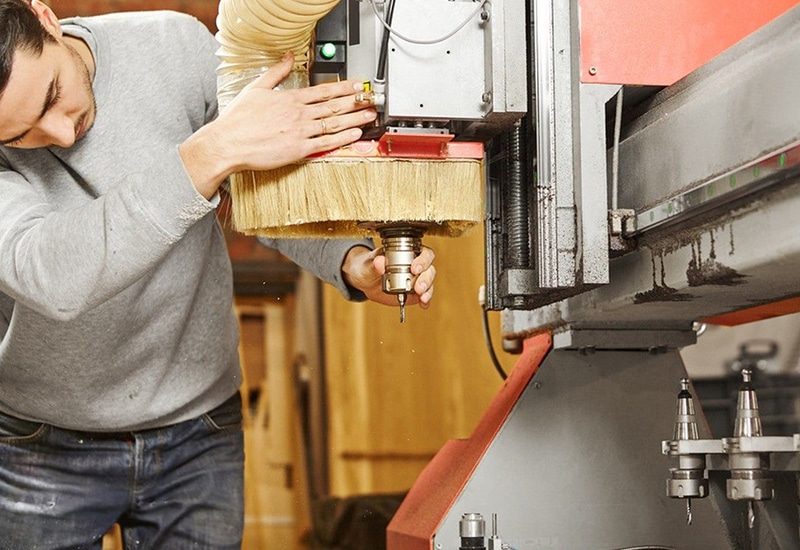
Tool selection and machining parameters have a direct effect on cutting quality, cycle time, tool life, and process stability. Software integration should therefore include the creation of reliable tool libraries and reusable machining settings. AccTek CNC assists customers in organizing digital tool information according to their router bits, collets, tool holders, spindle capabilities, materials, and processing requirements. Tool and parameter setup may include:
- Creating digital records for commonly used router bits
- Defining tool diameter, cutting length, flute count, and tool number
- Configuring tool holders and tool-length information
- Establishing starting values for feeds and spindle speeds
- Setting step-down, stepover, entry, and exit parameters
- Creating separate roughing and finishing tools
- Defining drilling, engraving, profiling, and pocketing tools
- Assigning tools to automatic tool changer positions
- Developing reusable machining templates for recurring jobs
- Organizing approved parameters according to material and application
Nesting and Production Workflow Integration
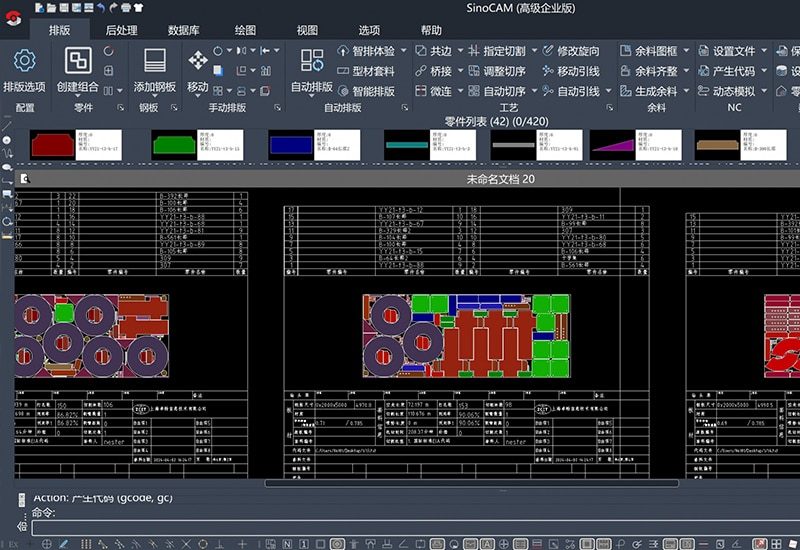
For businesses processing multiple components or sheet-based materials, nesting software can improve material utilization and simplify production planning. The nesting workflow must account for sheet dimensions, part spacing, tool diameter, cutting sequence, grain direction, clamping zones, and vacuum-holding conditions. AccTek CNC helps customers integrate nesting functions with their CNC router programming and shop-floor procedures. Nesting and workflow integration may include:
- Configuring standard sheet and workpiece dimensions
- Setting part spacing and boundary allowances
- Defining tool compensation and common cutting requirements
- Organizing parts according to material, thickness, or production order
- Setting part rotation and grain-direction restrictions
- Planning cutting sequences to maintain workpiece stability
- Avoiding clamps, fixtures, and restricted cutting zones
- Adding labels, part numbers, or identification data where supported
- Preparing remnant management procedures
- Generating organized production files and job reports
Automation and Production System Integration
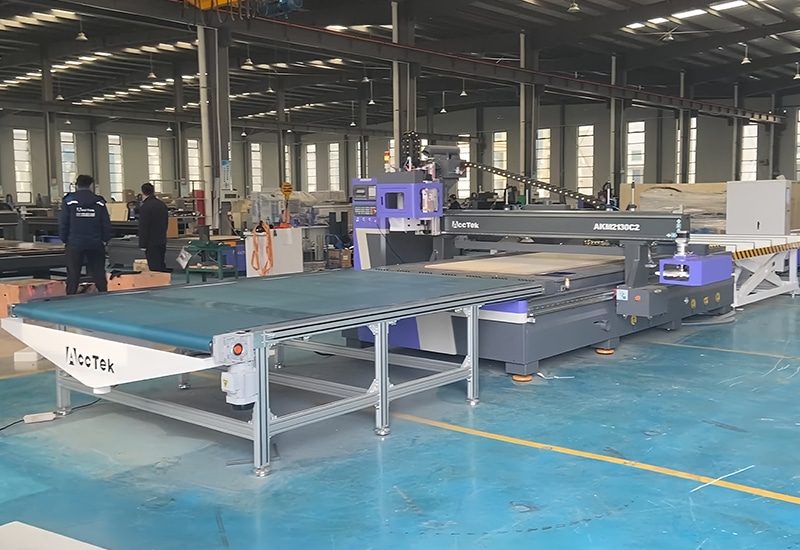
Some CNC router applications require connection with additional equipment or digital production systems. Depending on the machine configuration, the workflow may include barcode scanning, automatic labeling, loading and unloading equipment, tool measurement, production databases, or factory management systems. AccTek CNC evaluates the technical requirements of these applications and helps determine how supported software and machine functions can be integrated. Automation integration services may include:
- Connecting supported job data with the CNC router workflow
- Configuring barcode or job-code input where available
- Integrating automatic tool measurement functions
- Coordinating software commands with loading or unloading equipment
- Setting signals for vacuum systems and other auxiliary devices
- Organizing machining programs for automated production sequences
- Planning data exchange with supported production management systems
- Testing communication between the controller and connected equipment
- Establishing safe responses to alarms or interrupted processes
- Documenting the integrated operating sequence
Software Testing and Workflow Validation
Before an integrated software workflow is released for regular production, its functions should be tested under controlled conditions. AccTek CNC performs validation to confirm that files, post-processor output, controller settings, tool information, and machining sequences work together correctly. Software testing and validation may include:
- Checking the complete workflow from design import to machine execution
- Simulating toolpaths before running the program
- Reviewing coordinate origins and work-offset settings
- Testing spindle and tool-change commands
- Verifying tool numbers and tool-length compensation
- Performing dry runs or controlled trial machining
- Checking axis directions and movement sequences
- Inspecting finished dimensions and machining quality
- Identifying inefficient or unnecessary machine movements
- Correcting software settings or post-processor output when required
- Saving verified programs, parameters, and configuration backups
Operator Guidance and Ongoing Software Support
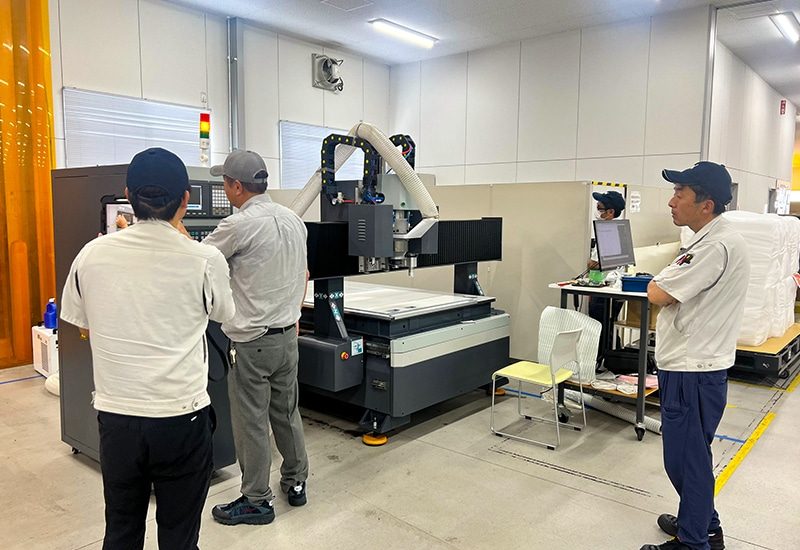
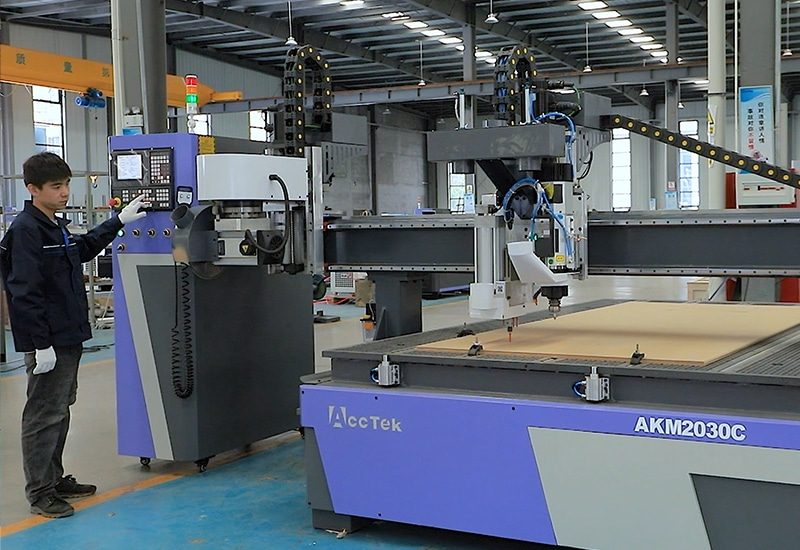
Even a well-configured software system depends on operators understanding the correct workflow. AccTek CNC provides practical guidance to help users prepare files, generate toolpaths, transfer programs, operate the controller, and respond to common software-related problems. Software guidance and support may include:
- Explaining the complete design-to-machining workflow
- Demonstrating file import and export procedures
- Guiding operators through basic toolpath creation
- Explaining post-processing and CNC program output
- Demonstrating program transfer and file management
- Reviewing coordinate setup and program loading
- Explaining tool-library and machining-parameter management
- Identifying common programming and file-format errors
- Guiding users through configuration backups
- Providing technical assistance for supported software issues