

Introduction
Technical Assistance and Case Assessment
Effective technical support begins with collecting accurate information about the machine and the reported problem. Similar symptoms can have different causes, so the CNC router’s configuration, operating conditions, alarm history, and recent maintenance activities must be reviewed before corrective action is recommended. AccTek CNC evaluates each support request systematically to identify the affected system and determine the most appropriate troubleshooting process. Initial case assessment may include:
- Confirming the CNC router model and serial number
- Reviewing the machine’s original configuration
- Identifying the controller, spindle, drive system, and installed accessories
- Collecting photographs, videos, alarm codes, and operating records
- Reviewing when and how the problem first appeared
- Confirming whether the issue is continuous or intermittent
- Identifying recent maintenance, repairs, parameter changes, or collisions
- Reviewing the material, tooling, and machining program being used
- Checking power, compressed air, vacuum, cooling, and workshop conditions
- Determining whether the machine can be inspected safely
Remote Diagnostics and Troubleshooting

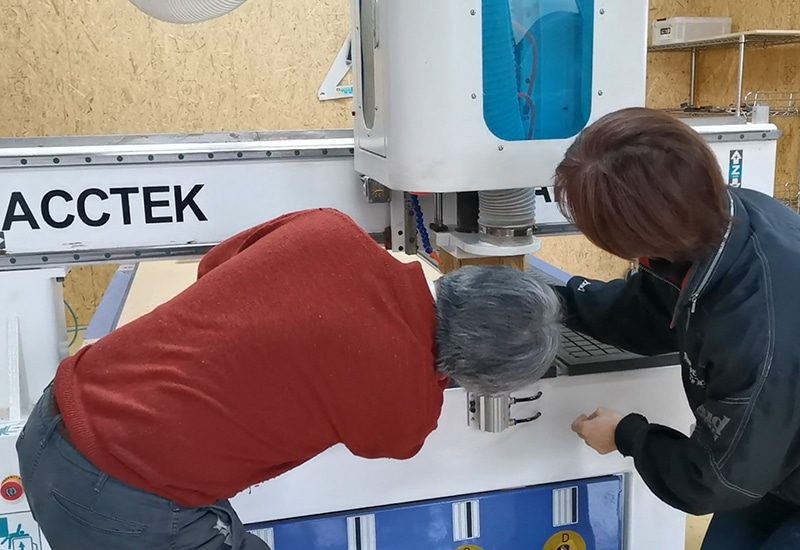
Many CNC router issues can be investigated efficiently through remote technical support. Photographs, videos, controller screens, alarm records, and operating data allow technicians to examine machine behavior and guide the customer through appropriate checks. Where supported and authorized by the customer, remote connection tools may also be used to inspect software settings, controller parameters, and program files. Mechanical and electrical inspection tasks should be carried out only by qualified personnel following appropriate safety procedures. Remote support services may include:
- Reviewing controller alarms and fault messages
- Analyzing photographs and videos of machine behavior
- Guiding operators through basic inspection procedures
- Checking software and controller settings
- Reviewing machining programs and toolpath files
- Verifying coordinate systems and work offsets
- Inspecting input, output, and sensor status
- Checking spindle, motor, and drive operating conditions
- Identifying possible mechanical or electrical causes
- Recommending adjustments, maintenance, or replacement parts
- Confirming machine performance after corrective action
Controller and Electrical System Support
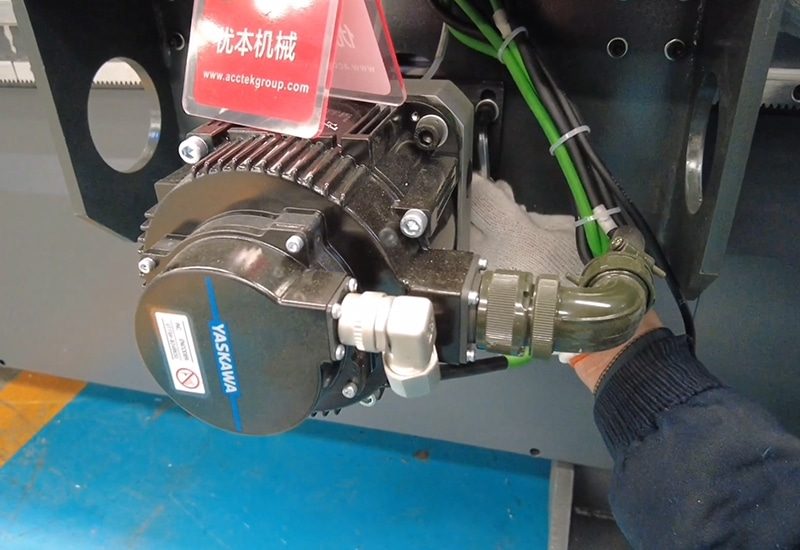
The controller and electrical system coordinate CNC router movement, spindle operation, safety devices, sensors, tool-changing functions, and auxiliary equipment. Faults within these systems may result in alarms, communication failures, incorrect movement, unexpected stops, or failure to start. AccTek CNC provides technical guidance for diagnosing supported controller and electrical issues. Assistance is based on the machine configuration, wiring information, component specifications, and observed fault conditions. Controller and electrical support may include:
- Interpreting controller alarms and error codes
- Checking controller settings and machine parameters
- Reviewing axis, spindle, and input/output status
- Verifying homing and reference-position functions
- Checking servo or stepper motor alarms
- Reviewing drive, inverter, and power-supply conditions
- Inspecting limit switches, sensors, and emergency-stop circuits
- Checking communication cables and electrical connections
- Assisting with parameter restoration from approved backups
- Guiding the replacement and configuration of supported components
- Verifying correct operation after electrical repairs
Mechanical and Motion System Support
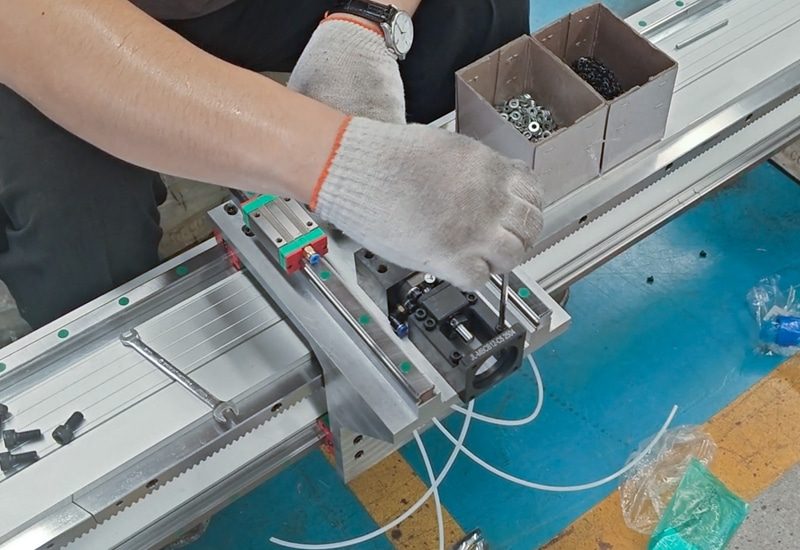
Mechanical problems can affect movement accuracy, surface quality, dimensional consistency, and overall machine stability. Common symptoms may include unusual noise, vibration, backlash, uneven movement, positioning errors, or reduced repeatability. AccTek CNC helps customers evaluate CNC router motion systems and determine whether cleaning, lubrication, adjustment, alignment, or component replacement is required. Mechanical support may include:
- Checking linear guide rails and bearing blocks
- Inspecting racks, pinions, ball screws, and transmission belts
- Evaluating gearboxes, couplings, bearings, and mounting components
- Checking for looseness, contamination, or insufficient lubrication
- Reviewing axis backlash and positioning behavior
- Inspecting gantry movement and axis alignment
- Identifying possible causes of vibration or abnormal noise
- Checking cable carriers and moving cables
- Guiding mechanical adjustment or component replacement
- Supporting calibration after mechanical repairs
Electrical and Control System Components
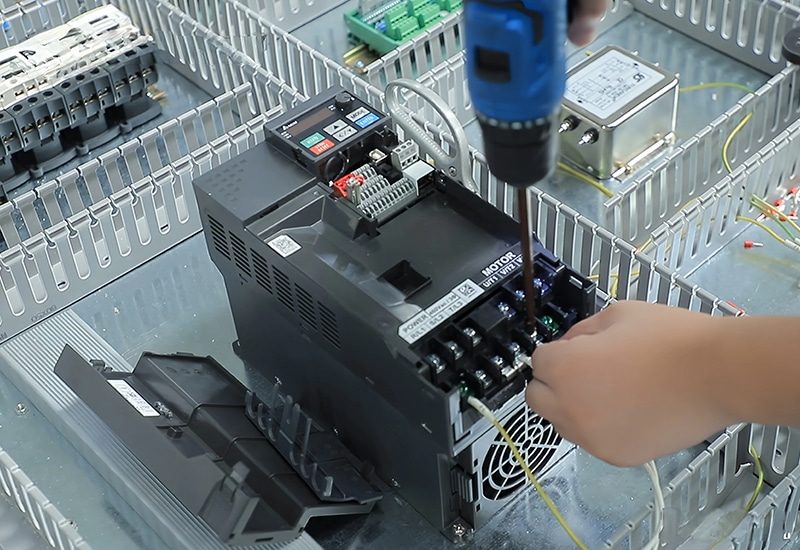
Spindle performance has a direct effect on cutting quality, tool life, and CNC router productivity. Problems may appear as abnormal noise, excessive heat, vibration, inconsistent speed, poor surface finish, tool runout, or failure to start. Automatic tool change CNC routers also depend on accurate coordination between the spindle, tool magazine, pneumatic system, sensors, and controller. A fault in any of these areas can interrupt the tool-changing sequence. Spindle and tool-changing support may include:
- Checking spindle alarms and operating status
- Reviewing variable-frequency drive settings
- Verifying spindle speed commands and rotation direction
- Evaluating noise, vibration, temperature, and tool runout
- Checking collets, tool holders, and clamping condition
- Inspecting air-cooling or water-cooling performance
- Diagnosing tool-release and tool-clamping problems
- Checking tool magazine positions and tool forks
- Verifying pneumatic pressure and solenoid valve operation
- Reviewing tool-change sensors and controller signals
- Guiding tool-change calibration and testing
- Recommending replacement components when necessary
Software and Programming Support
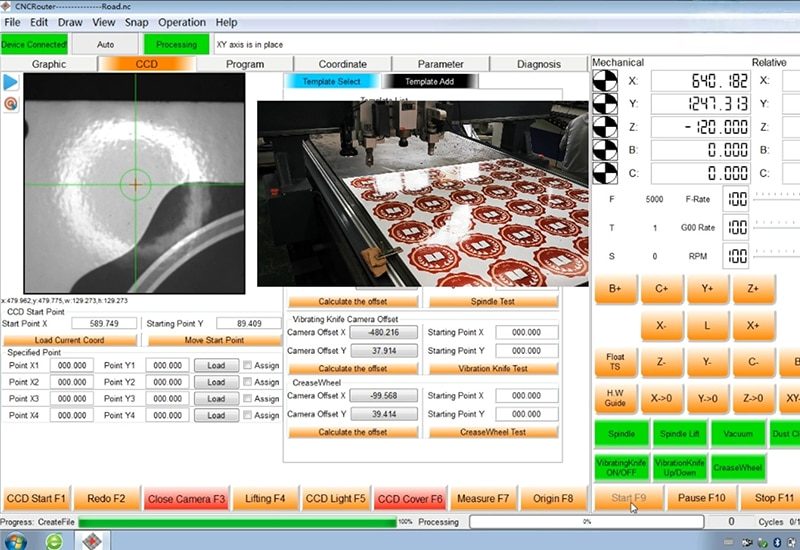
Software and programming errors can prevent a mechanically sound CNC router from operating correctly. File-format problems, unsuitable post-processors, incorrect coordinate settings, unsupported commands, or toolpath errors may produce alarms or unexpected machine movements. AccTek CNC provides guidance for supported CNC router software, controller functions, and programming workflows. Software and programming support may include:
- Reviewing design and machining file compatibility
- Checking CAM output and post-processor settings
- Identifying unsupported or incorrect program commands
- Verifying units, scale, orientation, and coordinate origins
- Reviewing toolpath direction, depth, and cutting sequence
- Checking tool numbers and tool-length compensation
- Assisting with program transfer and file management
- Reviewing controller software settings
- Supporting parameter and configuration backups
- Identifying possible software conflicts or corrupted files
- Guiding the testing of revised programs
- Assisting with supported software updates
Machining Process and Cutting Quality Support
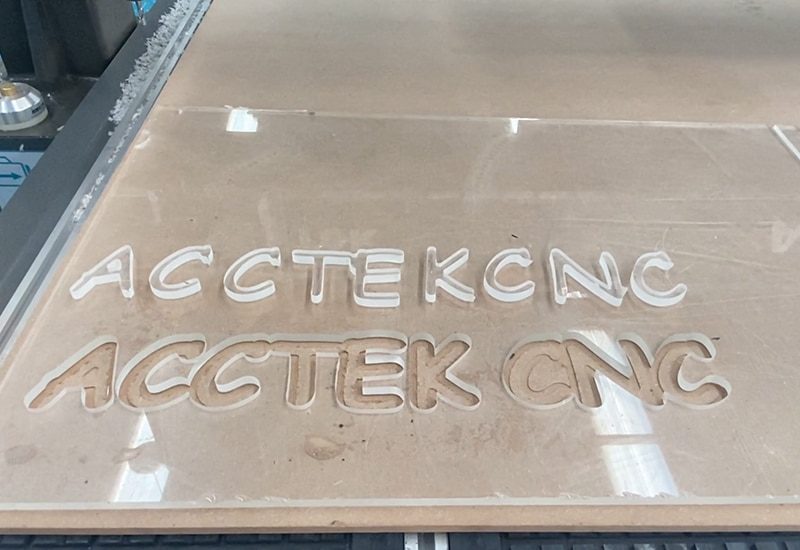
Not every machining problem is caused by a machine failure. Poor cutting quality may result from unsuitable tools, incorrect spindle speed, excessive feed rate, insufficient workpiece holding, incorrect cutting depth, tool wear, or inefficient toolpath strategies. AccTek CNC helps customers analyze the complete machining process and identify the factors affecting production results. Process support may include:
- Reviewing the processed material and workpiece specifications
- Evaluating router bit type, diameter, geometry, and condition
- Checking spindle speed and feed-rate settings
- Reviewing cutting depth, stepover, and pass strategy
- Analyzing roughing and finishing operations
- Checking workpiece clamping or vacuum-holding performance
- Reviewing toolpath direction and machining sequence
- Investigating burning, chipping, burrs, vibration, or poor surface finish
- Evaluating dust removal and chip evacuation
- Recommending controlled test cuts
- Comparing results after parameter adjustments
- Recording successful settings for future production
Vacuum, Dust Collection, and Auxiliary System Support
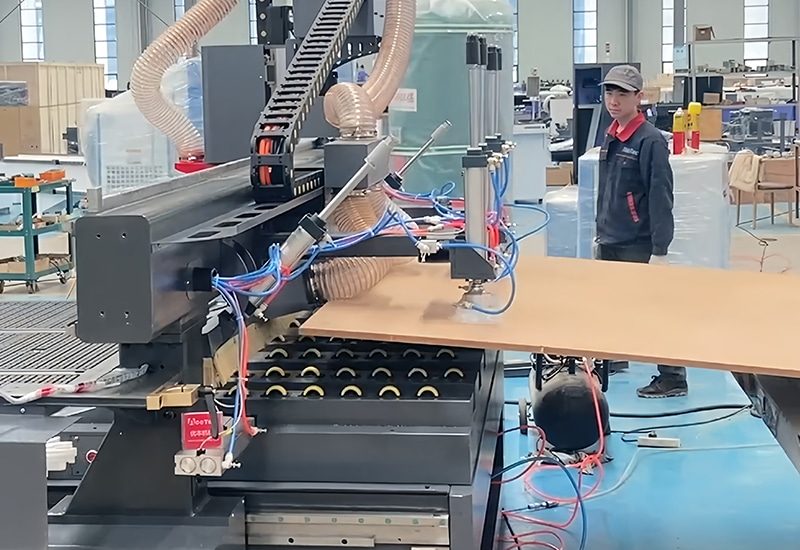
CNC router reliability also depends on supporting systems such as vacuum pumps, dust collectors, pneumatic equipment, lubrication systems, and spindle-cooling units. Problems in these systems can affect workpiece stability, machine cleanliness, automatic tool changing, and spindle performance. Auxiliary system support may include:
- Diagnosing insufficient vacuum or unstable material holding
- Checking vacuum lines, valves, seals, and table zones
- Reviewing vacuum pump operating conditions
- Inspecting dust-collection airflow and hose connections
- Checking dust shoes, brushes, and extraction components
- Verifying compressed-air pressure and pneumatic operation
- Inspecting filters, regulators, fittings, and solenoid valves
- Checking automatic lubrication system performance
- Reviewing water-cooling circulation and temperature
- Checking air-cooled spindle fans and ventilation
- Identifying blocked, leaking, or worn auxiliary components
Repair and Spare Parts Coordination
When troubleshooting confirms that a component is damaged or worn, AccTek CNC can help identify the required replacement part and coordinate the next repair steps. Accurate component matching is essential because CNC router parts may differ according to model, production year, controller, spindle power, axis configuration, and electrical specifications. Repair and spare-parts support may include:
- Identifying damaged or worn components
- Confirming part numbers and technical specifications
- Checking compatibility with the CNC router configuration
- Recommending replacement parts or approved alternatives
- Preparing installation or connection guidance
- Supporting controller or drive parameter configuration
- Assisting with mechanical adjustment after replacement
- Guiding calibration and functional testing
- Reviewing machine operation after the repair
- Recommending related maintenance to prevent repeated failures
On-Site Technical Service
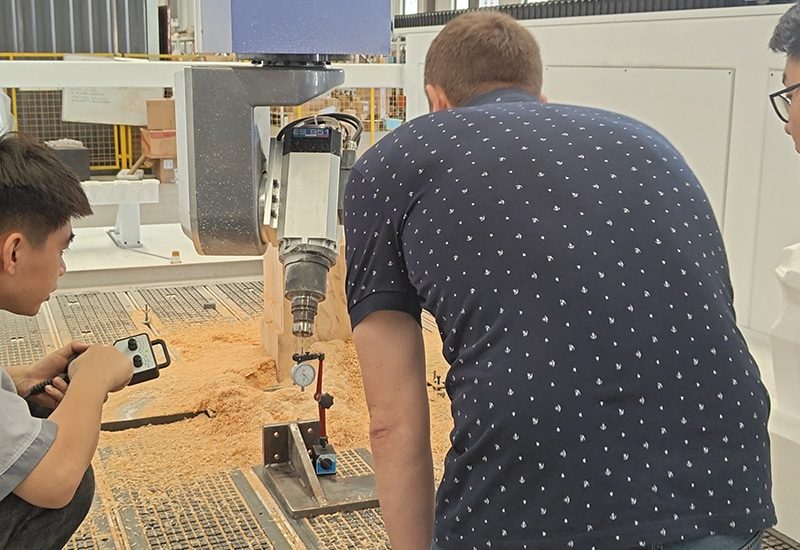
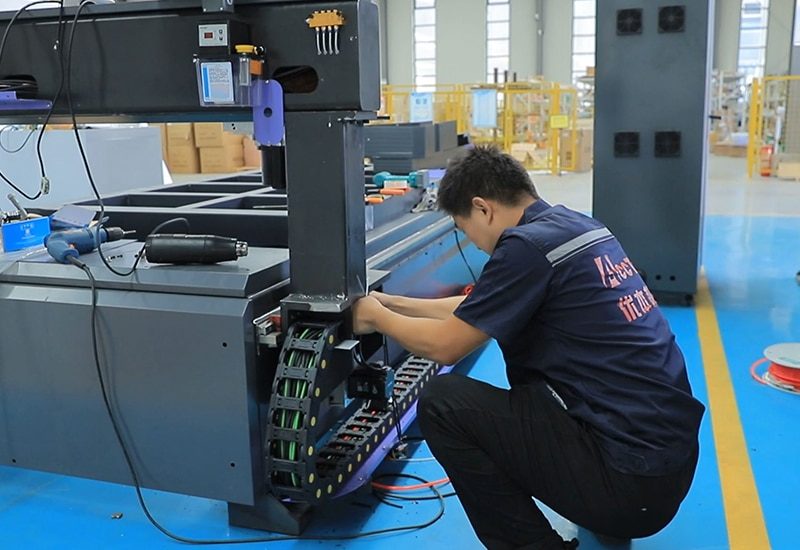
Some CNC router problems require physical inspection, specialized measurement, extensive repair, or complete recalibration. When remote troubleshooting is not sufficient, on-site technical service may be recommended according to the nature of the issue, customer location, and available service arrangements. On-site technical support may include:
- Comprehensive machine-condition inspection
- Mechanical and electrical fault diagnosis
- Replacement of damaged or worn components
- Motion-system adjustment and alignment
- Spindle and automatic tool changer servicing
- Controller and drive-system inspection
- Machine calibration and accuracy verification
- Auxiliary system inspection
- Controlled test machining
- Operator maintenance and troubleshooting guidance
Technical Documentation and Service Records
Clear technical information makes future troubleshooting faster and helps customers manage their CNC router more effectively. AccTek CNC supports the organization of relevant machine information, configuration records, and completed service activities. Technical documentation support may include:
- Machine specifications and configuration information
- Controller and electrical reference materials
- Operating and maintenance instructions
- Approved parameter and configuration backups
- Spare-parts identification records
- Alarm descriptions and troubleshooting guidance
- Maintenance and repair records
- Component replacement history
- Test results and calibration information
- Recommended follow-up actions
Ongoing Support and Service Follow-Up

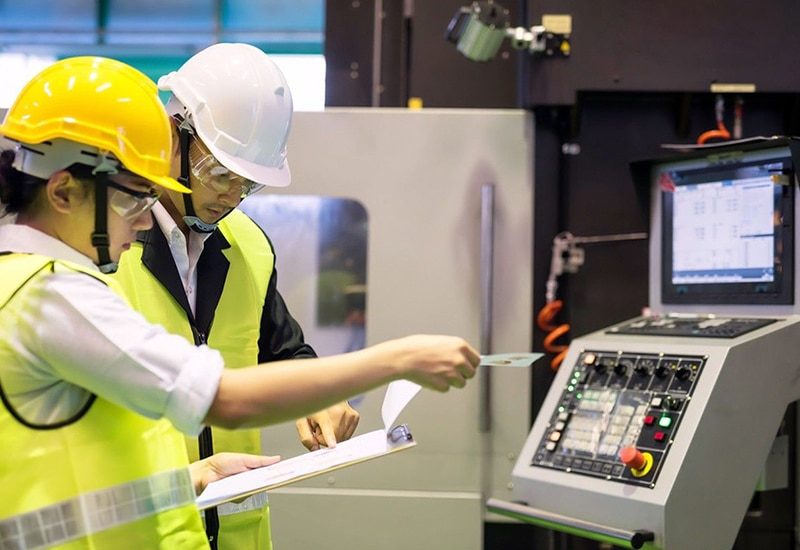
Technical support should continue until the reported problem has been evaluated and the machine’s operating condition has been confirmed. After corrective actions are completed, AccTek CNC can review the results and recommend additional monitoring or preventive maintenance where appropriate. Service follow-up may include:
- Confirming whether alarms or symptoms have been resolved
- Reviewing photographs or videos after repair
- Checking machine movement and functional tests
- Evaluating trial machining results
- Confirming replacement-part performance
- Monitoring recurring or intermittent problems
- Updating service and maintenance recommendations
- Identifying additional operator training needs
- Recommending preventive actions
- Recording the completed technical support case